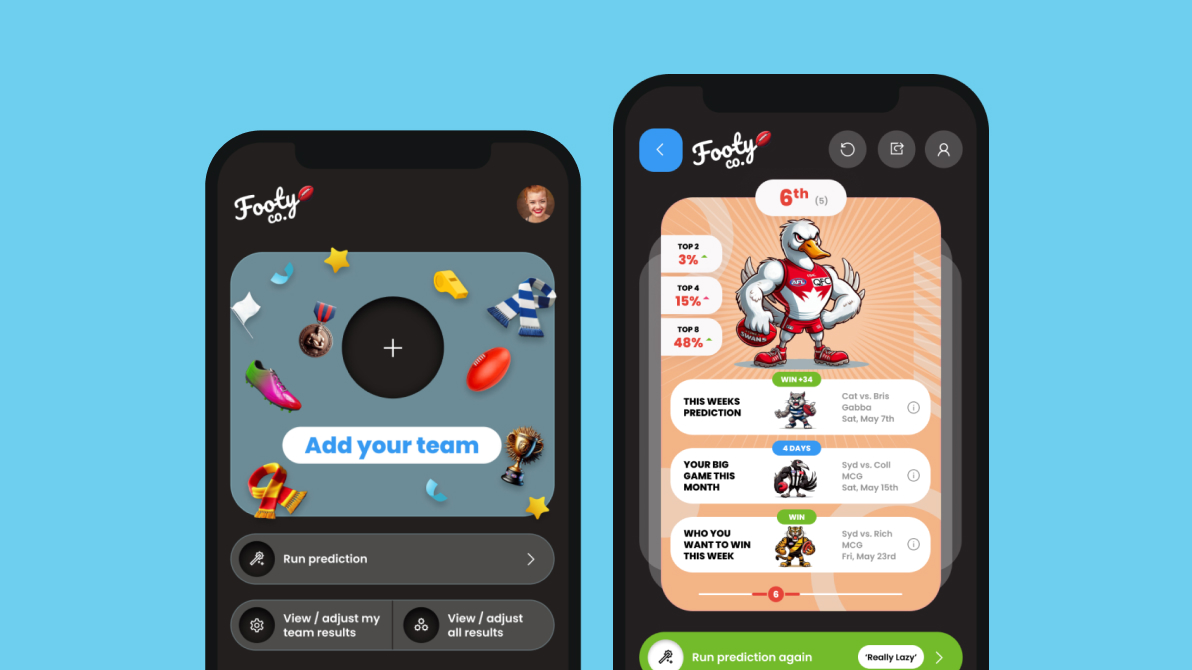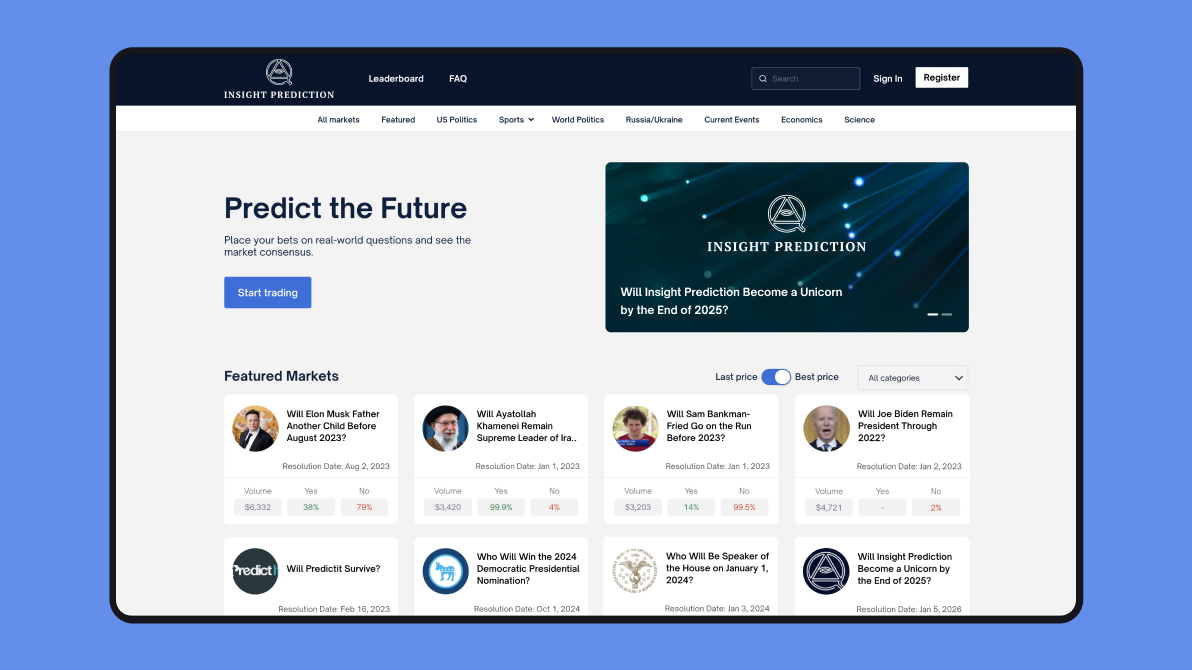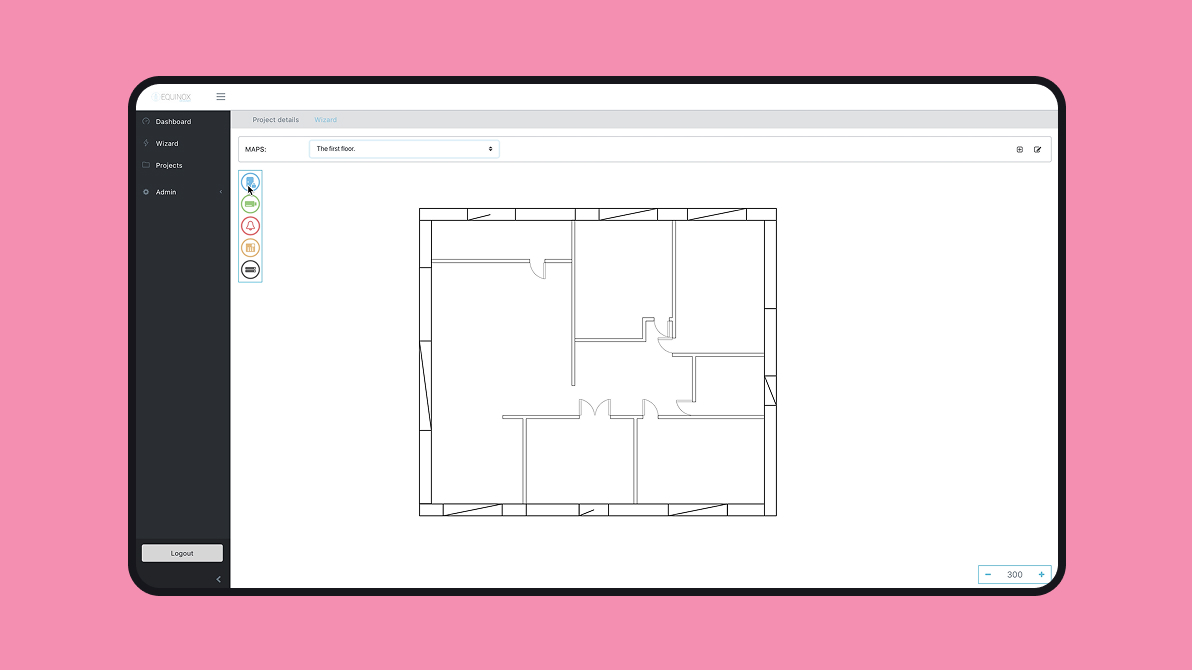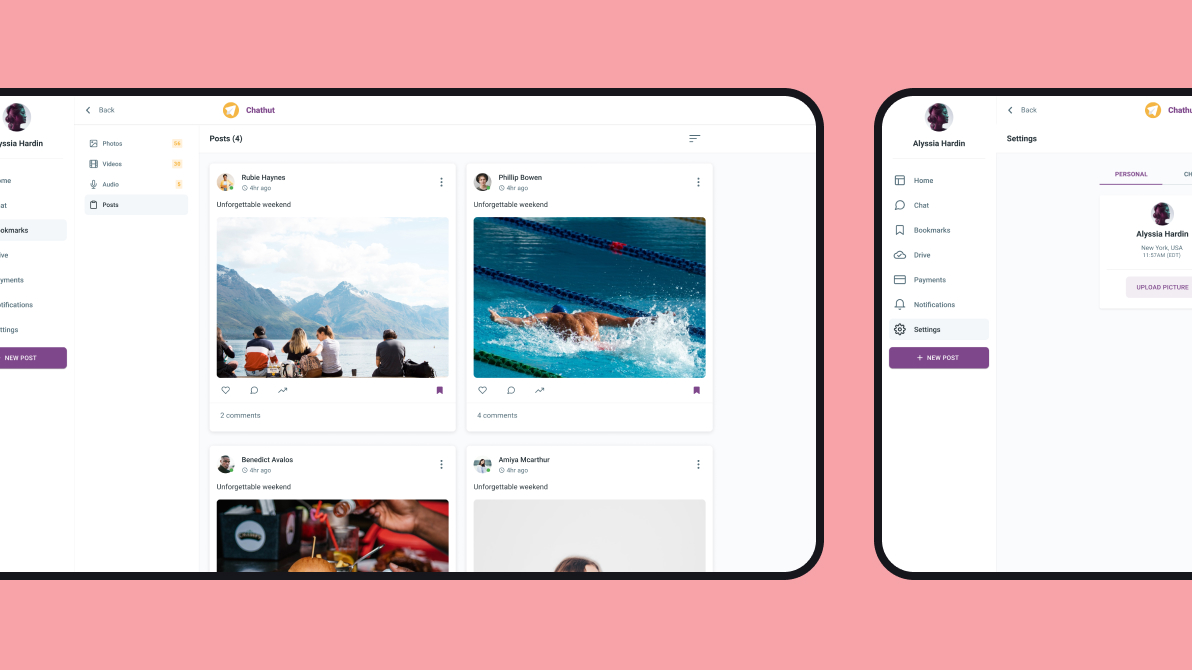
A 50-page marketing website usually takes us around 250 hours to build. This one took 124. The difference came down to a multi-agent AI setup running the software development work, with one agent coordinating the build, two more handling the frontend and the CMS, and a human stepping in at the points where AI still gets stuck.
The site had everything that normally drags a timeline out. Animations on nearly every section, a full content management layer so the client could edit pages themselves, mobile layouts redesigned from scratch, and forms wired into their CRM. None of that changed the math. It still went live in half the time.
Quick Summary
- Multi-agent AI for software development cuts build time by roughly half. We shipped a 50-page marketing site in 124 hours using one orchestrator agent and two sub-agents handling Figma-to-code transfer and CMS integration.
- A comparable build without multi-agent AI assistance would run 240–280 hours based on the scope, which puts the savings close to 50%.
- The system connects to Figma through MCP for design data and uses Playwright for automated visual QA, running a code-screenshot-compare-fix loop on every section.
- Keep your skill set lean (ten or fewer) and break the design into individual sections. If you’re planning a build that needs to move fast, this is how we approach it at Uinno.
Why Most Teams Get Slower With AI, Not Faster
You would expect a tool that writes code in seconds to make everyone faster. The numbers say the opposite. A controlled study of experienced developers found they worked 19% slower with AI assistance, even though they believed they had sped up. Stack Overflow’s 2025 survey points to the same trap from a different angle where the top frustration with AI tools is code that is “almost right, but not quite,” and a majority of developers report spending more time fixing AI output than they save generating it. A 2025 survey of CTOs found most had already hit a production incident traced back to AI-generated code.
So the speed shows up, but it lands in the wrong place. The model hands you a draft in thirty seconds or maybe 3 minutes and then charges you back the time in review, debugging, and rework. You feel fast and finish slow. That gap is the problem worth solving.
Multi-agent AI Development for a 50-page Website Build
A returning client brought us a full Figma design for a marketing website serving a network of healthcare clinics. The scope covered:
- a homepage with animated sections;
- service page;
- pillar content articles;
- careers section with application forms;
- case studies;
- a blog;
- membership pricing with tiered cards;
- contact forms feeding into their existing CRM.
Every page had a distinct design. Cards that looked similar across sections differed in colors, labels, and layout in ways that made reusable components tricky to extract cleanly.
The mobile version had its own design entirely, with different section ordering and different visual treatments for the same content blocks. And the client needed all content editable through a CMS admin panel so their marketing team could update the site without calling a developer.
I was an Engineering Manager and tech lead on the project, and built the multi-agent AI system. The website went live in 124 hours, roughly half of what a comparable build takes without AI assistance.
Multi-Agent AI Architecture
People shopping for AI development usually ask which model writes the best code. The model matters less than you would think. On its own it behaves like a junior engineer with no memory and a habit of guessing. The structure you build around it produces reliable output, and that structure is where we spent our effort.
The instinct on a tight timeline is to rush the design and start coding. We do the reverse. The design work in Figma takes more time than a normal project would, and that extra time is what makes the speed possible later.
It starts from a design system that defines every token like colors, typography, spacing, logos. So every element traces back to its component instance. Nothing floats free.
That discipline costs hours up front, and it pays them back many times over. When the frontend agent reads a section, it finds a clean map of named tokens and reusable parts instead of a pile of one-off rectangles. It treats a button as a known component. The cleaner the design hands off, the less the AI guesses, and guessing is where AI burns your time.
Interested in AI development? Learn about Rapid AI Product Prototype Service. We help entrepreneurs to go from a concept to a clickable prototype just in 5 days.
Multi-agent AI Working System
The core runs on three AI agents. One orchestrator manages a Design-to-Frontend agent and a CMS Integration agent. The orchestrator delegates. It receives a task (“build the Our People section”), decides which sub-agent handles it, passes the Figma link and section name, and monitors results. Once the frontend sub-agent finishes a section, the orchestrator hands it off to the CMS agent to wire up the content so it’s editable.
Six instruction files and ten skills sit behind the agents. The instruction files give agents a map of the project (where files live, how components connect), design system rules (colors, spacing, tokens), and behavioral rules. The skills cover writing frontend code, running visual tests with Playwright, transferring designs from Figma, and enforcing accessibility.
The frontend sub-agent reads Figma files through MCP (Model Context Protocol), which connects AI agents to external tools and data sources. Reading a design file and producing good code from it are very different problems, though, which is why the workflow runs as an iterative loop.
For each section, the agent connects to Figma, extracts component data, color tokens, spacing values, and layout structure. Then it plans its approach and writes the code. After that, it launches a local dev server and uses Playwright MCP (a browser automation protocol) to open the section in a browser, take a screenshot, and compare the result against the original Figma design. If a button sits 20 pixels too far left or a gradient is missing, the agent spots the gap and corrects it.
This code-screenshot-compare-fix loop runs two to four times per section. Each round gets the agent closer to pixel-perfect, and Playwright gives it objective visual feedback instead of relying on the model’s internal “guess” of what looks right.
You can’t feed the agent a full page. A homepage with eight animated sections, a nav bar, and a footer is too much context. The agent loses track of relationships between sections and starts hallucinating components that don’t exist in the design. We break every page into individual sections and run them one at a time.
More on the topic: Why Health AI Chatbots Fail (And the Multi-Agent Architecture That Doesn't)
How Many AI Agent Skills Are Too Many
Adding everything you can think of feels thorough, but every skill competes for the agent’s attention inside its context window. Add too many and the agent starts ignoring the important ones, confusing which skill applies when, or slowing down because it’s parsing instructions it doesn’t need.
Instruction files follow the same pattern. The project structure instruction gives the agent a map of the codebase so it doesn’t wander through every folder on every task. The design system instruction pulls key tokens from the config file (which can run 600+ lines), giving the agent essential color and spacing rules without forcing it to parse the full file every time it starts a new section.
We also run a “lessons learned” file on every software development project. When an agent hits a problem and someone solves it, we tell the agent to document the fix. Next time it hits the same problem, it reads its own notes and skips the failure cycle. Over a project’s lifespan, these notes accumulate into a troubleshooting guide the agent reads and updates itself, which means each week of the build goes smoother than the one before it.
Reach out for Tech Consulting and learn how many agents you need.
Dev Containers for AI Agent Safety
Giving an AI agent access to your development environment means giving it permission to run commands. All commands. There’s no realistic way to review every command before execution. You either auto-approve everything (which most teams end up doing) or you spend your day hitting “continue” without reading what you’re approving.
We run all agent work inside dev containers. A dev container is a Docker environment configured through VS Code. The agent writes code, runs servers, and executes all commands inside the container. If something goes wrong, the worst outcome is a destroyed container, which you can rebuild in minutes. Your local machine, your files, and your other projects stay untouched.
Where This Leaves You
You are worried that AI builds fast and breaks quietly, and you are the one left holding the production incident. That worry is correct for any team running AI without a system. It is the wrong worry for a team running the system we just walked through.
You are going to use AI on your next build, or your competitors will use it on theirs. The open question is how. Run it on a verification loop, a safe container, and agents that review each other, and you cut your timeline while your quality holds. Run it without those, and you get a thousand lines nobody read.
Bring your Figma file or your roadmap, and we will show you where this workflow would cut your timeline and save costs
.png)

.png)